
Which ElvUI Retail download works with the current WoW client?
Use the current package from Tukui or the matching public GitHub tag. You do not need a separate Retail-only ZIP: the archive contains the addon folders and client-specific TOC metadata that WoW reads for the branch you launch.
The August 22, 2026 check connected ElvUI 15.24 with Retail interface 12.1.0. Treat that pairing as a dated verification, not a permanent promise: compare the installed interface number with the current Tukui release after a major patch.
- Install into
World of Warcraft/_retail_/Interface/AddOns. - Keep ElvUI, ElvUI_Libraries and ElvUI_Options directly beside one another.
- Close WoW before replacing addon code.
- Preserve WTF because it contains profiles and saved variables.
Retail installation checklist
- 1
Download the verified tag
Use the v15.24 source archive or the official Tukui distribution page, then keep the source and verification date with your backup.
- 2
Open the outer wrapper
Extract the ZIP and open any ElvUI-15.24 wrapper folder before copying files.
- 3
Copy the three folders
Place ElvUI, ElvUI_Libraries and ElvUI_Options directly in the Retail AddOns directory.
- 4
Check the AddOns list
At character select, enable all three entries and test the base interface before adding plugins or a community profile.
Keep Retail settings when the package changes
A routine ElvUI update replaces Interface/AddOns code; it should not require deleting WTF. Back up the correct Retail WTF folder, then follow the separate ElvUI update guide if you need the clean three-folder replacement sequence.
If an imported layout differs from a screenshot, check resolution, UI scale, fonts, SharedMedia and optional plugins before downgrading. The ElvUI profiles guide explains how to export a working profile and record its dependencies.
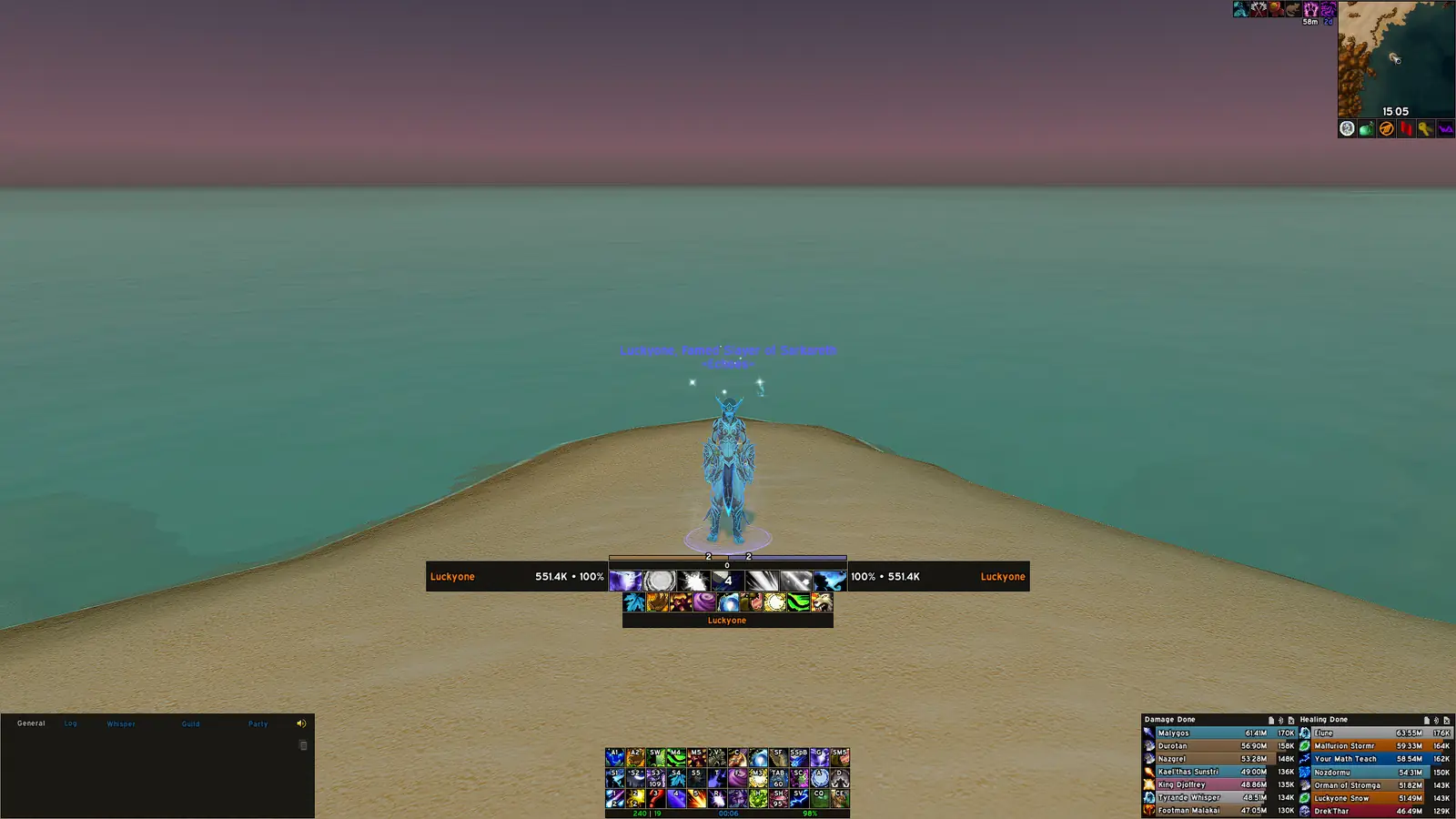
Verify the ElvUI Retail download before copying files
The ElvUI Retail download decision should be based on the current Tukui release metadata and the interface number used by the live Retail client. At the August 19, 2026 check, Tukui reported ElvUI 15.24, updated August 19, with Retail interface 12.1.0 in its supported patch list. The public repository also contains a matching v15.24 tag. Those two pieces of evidence connect the published release number to a stable source archive without relying on an expiring signed URL or an unexplained third-party mirror.
Retail changes frequently around expansion launches, pre-patches and major content updates. An article that only says “latest” can become misleading as soon as Tukui publishes another release. This page therefore displays the version, interface, update date and verification date together. Before installing later, compare the displayed value with the Tukui ElvUI page. If a newer release exists, use the newer supported package rather than the archived v15.24 link preserved in this build of the site.
The current archive supports several WoW branches, but the ElvUI Retail download does not need to be a separate Retail-only ZIP. Retail reads the mainline TOC metadata while Classic clients read their corresponding files. Correct installation location determines which metadata WoW sees.
Use the correct folder for an ElvUI Retail download
Battle.net can keep Retail and multiple Classic clients under the same World of Warcraft directory. The ElvUI Retail download belongs under World of Warcraft/_retail_/Interface/AddOns. It does not belong in _classic_, _classic_era_ or the top-level Interface directory. Use Battle.net's Show in Explorer or Show in Finder command for the selected Retail client to avoid editing a second installation left on another drive.
After extracting the ZIP, open its outer wrapper and copy ElvUI, ElvUI_Libraries and ElvUI_Options directly into AddOns. A correct path ends with a TOC file immediately inside the addon directory. If the result looks like AddOns/ElvUI-15.24/ElvUI/..., WoW cannot find it because the actual addon is nested one directory too deep. If only the main folder was copied, the configuration interface or shared libraries may fail even though ElvUI appears in the AddOns list.
Close WoW before replacing files and remove old ElvUI directories rather than merging the new archive over them. A clean replacement prevents obsolete modules from surviving an update. Keep WTF untouched because it contains account, realm and character saved variables.
Configure the ElvUI Retail download after first login
When the ElvUI Retail download loads for the first time, complete the built-in installation sequence before importing a community profile. The sequence applies recommended console variables, chat setup, UI scale and layout defaults. These choices establish a known base configuration. Type /ec to reopen the ElvUI settings window and /reload after changes that require a user-interface reload.
A profile string changes ElvUI settings but does not install every asset visible in a creator's screenshot. Fonts, textures, WeakAuras, SharedMedia packs, combat-text addons and optional ElvUI plugins remain separate dependencies. If an imported layout looks wrong, compare screen resolution and UI scale, then review the creator's dependency list. Do not downgrade the base addon merely because a profile created on another display does not align immediately.
Test essential interactions after setup: action bars should respond outside combat, unit frames should update, bags and maps should open, and the options panel should list modules without dependency errors. Run this test before enabling additional plugins. A clean base test makes later conflicts much easier to isolate.
Maintain the ElvUI Retail download through WoW patches
Retail interface updates can affect protected actions, unit-frame events, nameplates and Blizzard frame skins. Check for a new ElvUI Retail download after a major WoW patch and whenever Tukui announces compatibility work. Back up the WTF folder before a large transition, particularly if several characters share profiles or if the installation uses extensive plugin settings. An exported ElvUI profile provides an additional portable backup but does not replace a full WTF copy.
For a routine update, exit WoW, delete ElvUI, ElvUI_Libraries and ElvUI_Options from the Retail AddOns folder, and copy the three directories from the new package. Preserve WTF. On the next launch, verify the displayed version and test base ElvUI with optional extensions disabled if errors appear. Update extensions independently because their release schedules may differ from core ElvUI.
If a patch-day error remains with every optional plugin disabled, confirm the issue against Tukui release notes and the public issue tracker. Include the Retail build, ElvUI version and a reproducible error rather than only a screenshot. Returning to an old release should be a controlled diagnostic step, not the default response to a new game API.
Keep a short maintenance note beside the ElvUI Retail download archive with the verification date, installed version and any required plugins. That record makes it easier to distinguish a core update from a profile or extension change when troubleshooting later.
After the final test, remove duplicate ZIP files from the active AddOns directory and store one known-good archive outside the game folder. WoW ignores most ZIP files, but leaving installers and unpacked wrappers beside live addons makes later path checks confusing. Label the retained archive with the Retail build and date, then confirm that Battle.net still points to the same installation before the next update.
ElvUI Retail FAQ
Is ElvUI 15.24 for Retail?
The August 22, 2026 verification lists Retail interface 12.1.0 with ElvUI 15.24. Recheck the Tukui release metadata after later WoW patches.
Do I need a Retail-only ZIP?
No. The current package contains the folders and TOC metadata for supported branches; install it in the _retail_ AddOns directory for the client you launch.
Where do I install an ElvUI Retail download?
Use World of Warcraft/_retail_/Interface/AddOns and place ElvUI, ElvUI_Libraries and ElvUI_Options directly inside AddOns.
Do I need Tukui Client?
No. Manual installation works by extracting the verified archive and copying the three addon folders. Keep Tukui as the source to recheck versions.